
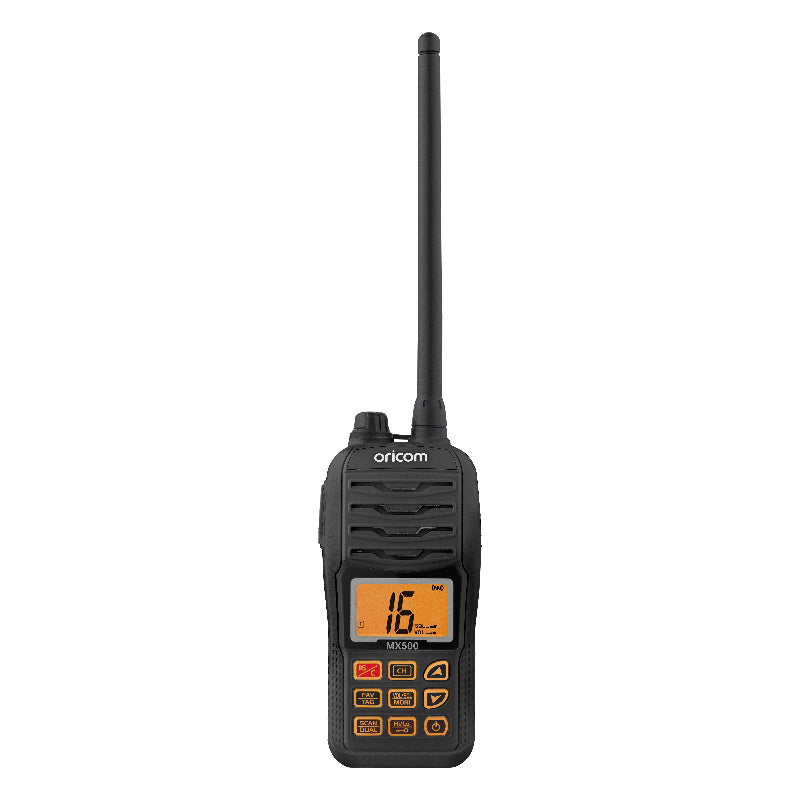
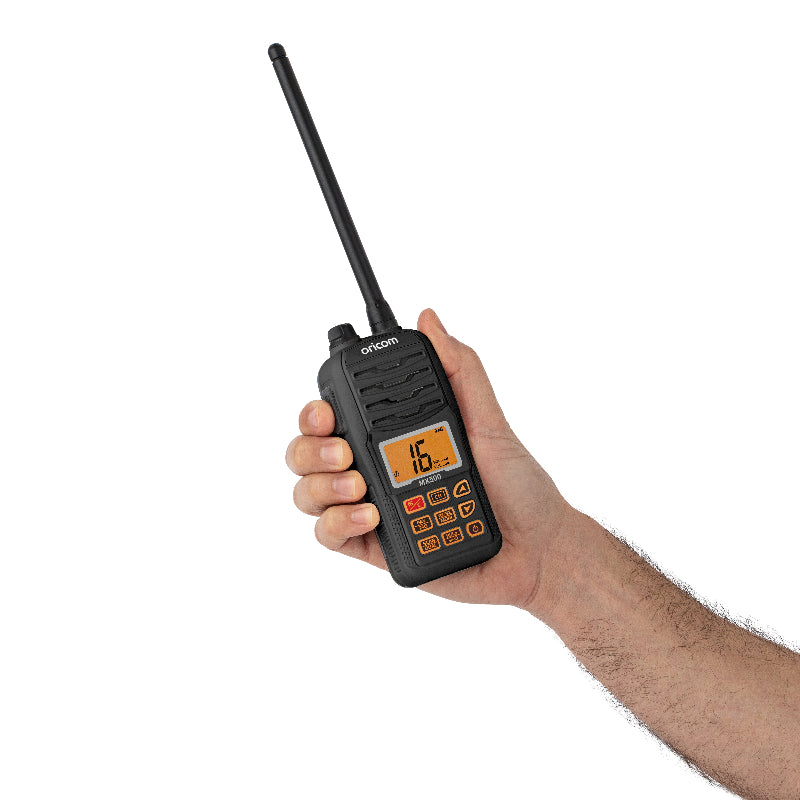
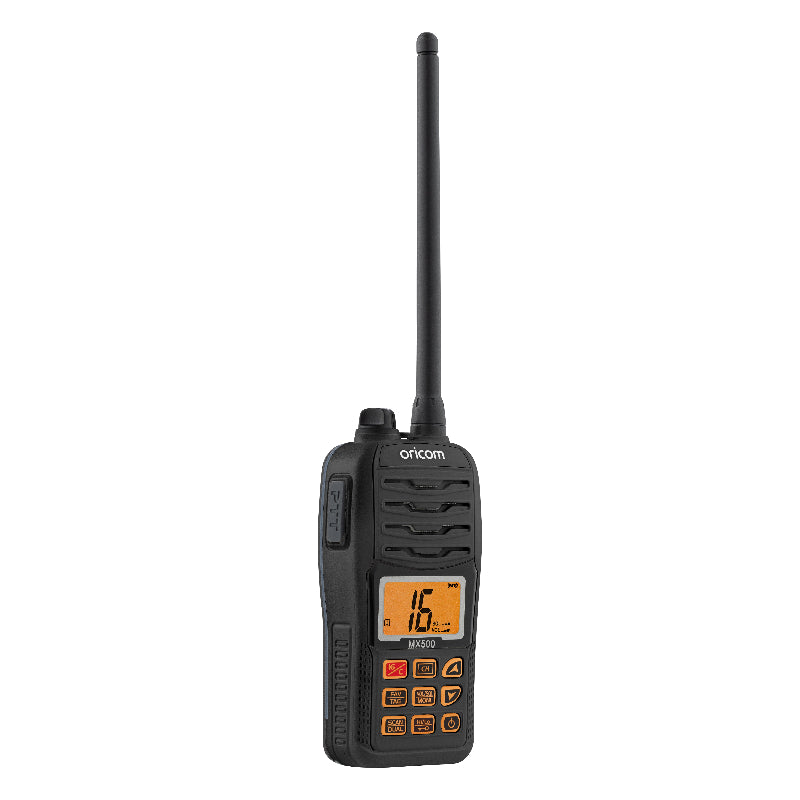
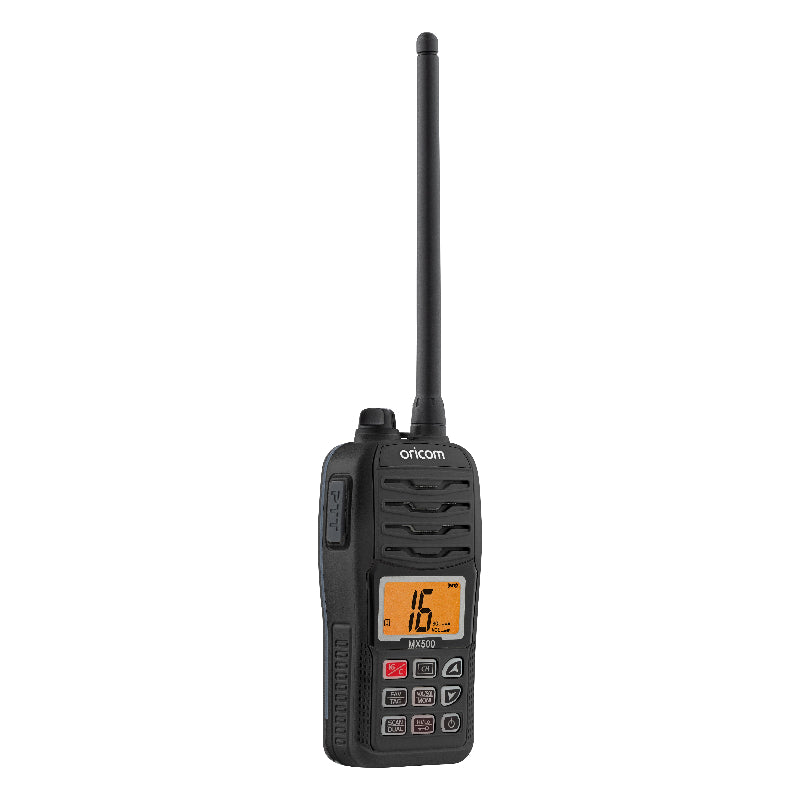
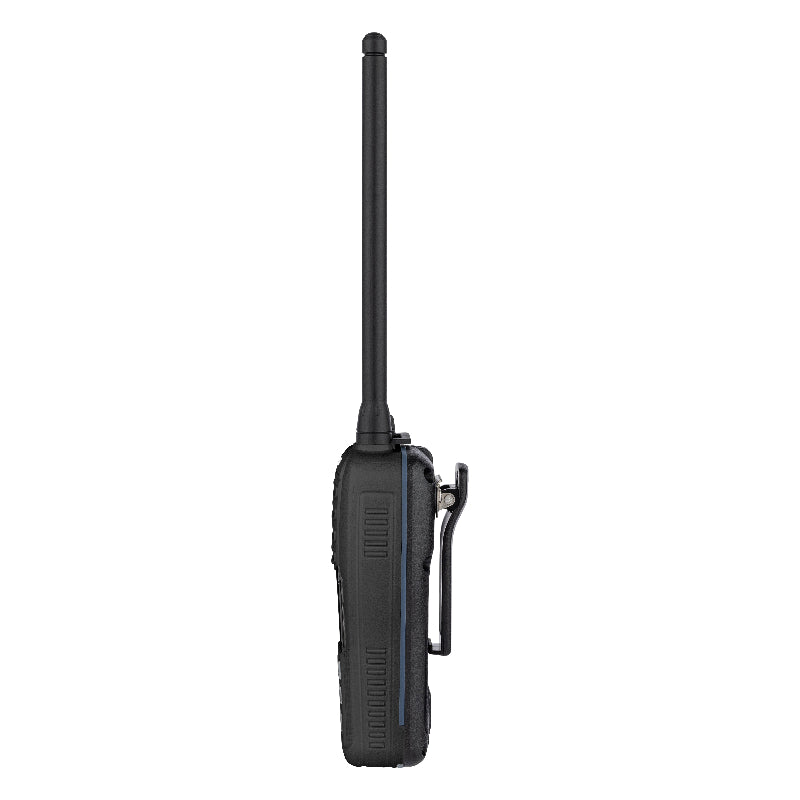
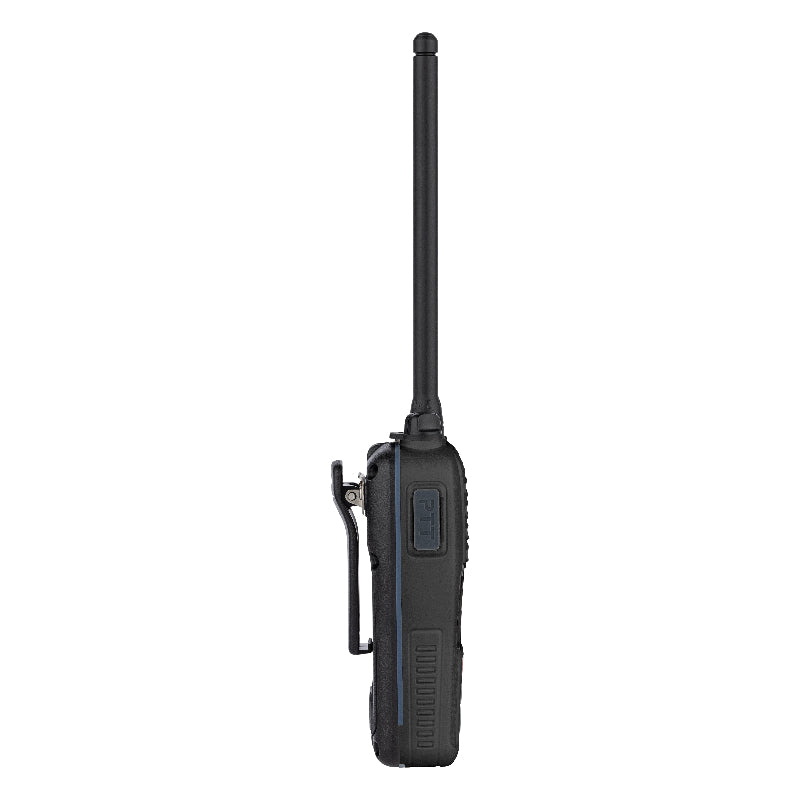
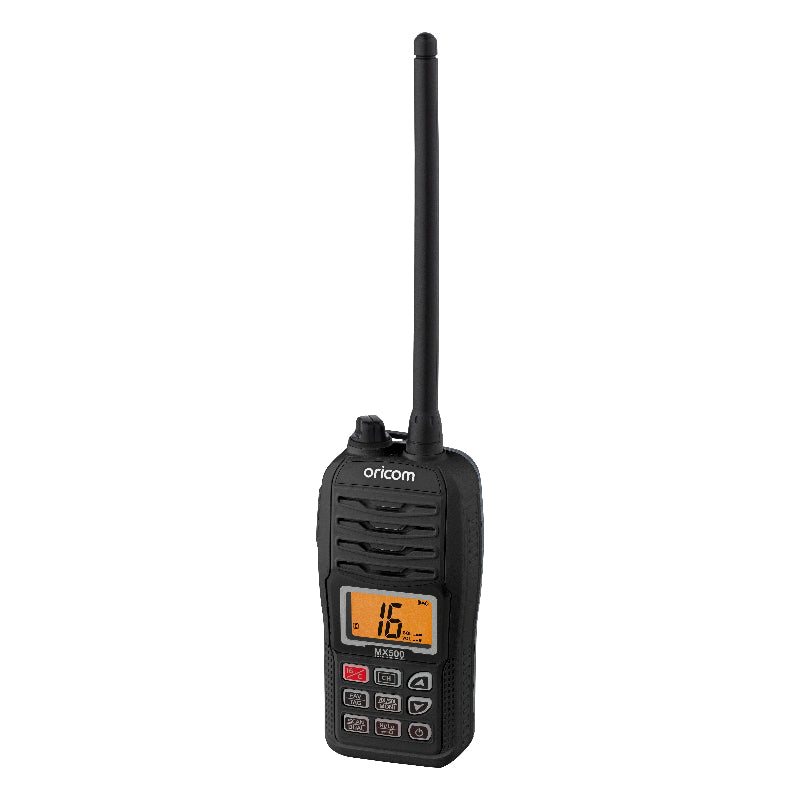
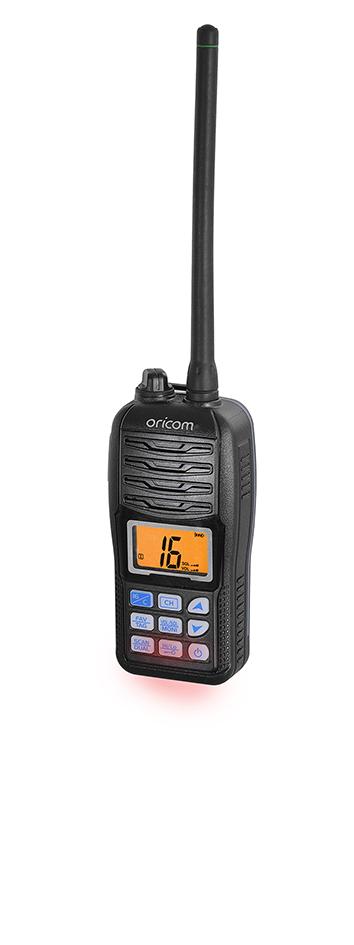
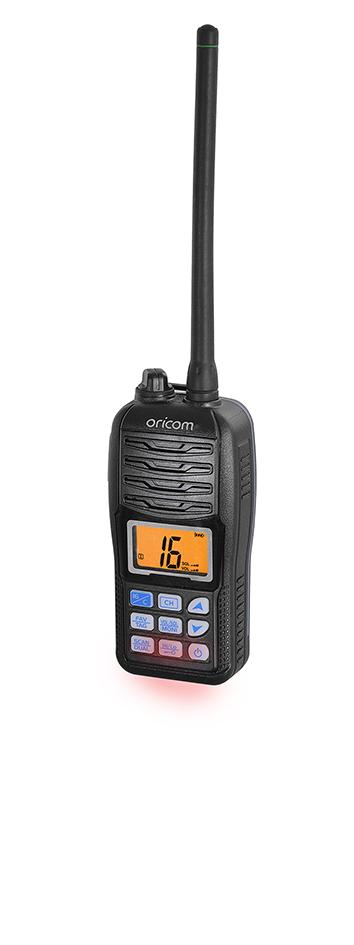
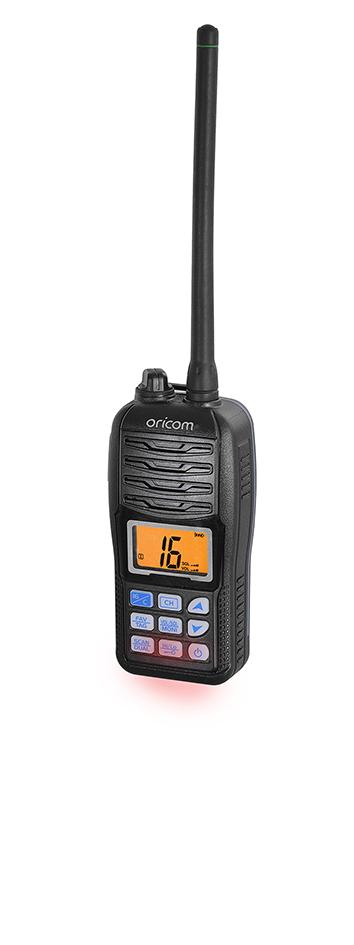


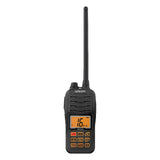
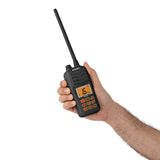
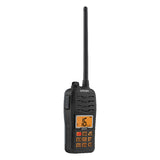
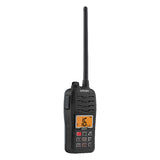
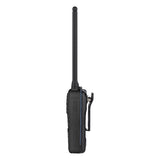
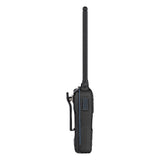
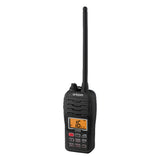
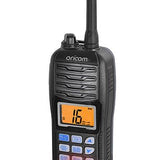
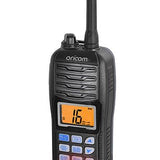
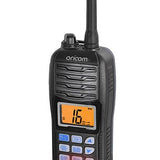
MX500 5 Watt VHF Marine Radio (Black)

Floats, Flashes & Fully Waterproof
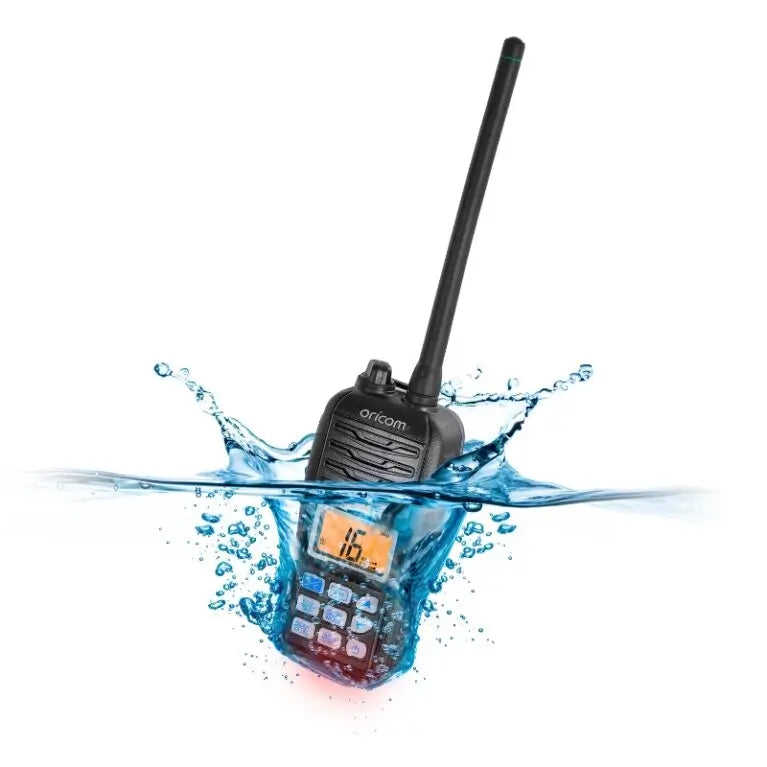
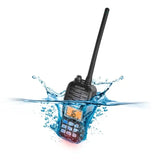
Drop it off the boat or in a creek and it won't sink — the MX500 floats to the surface and flashes so you can spot and retrieve it. Rated IP67 against water and dust, it keeps transmitting through rain, spray and mud.

Switchable Power for Reliable Range
Transmit at a full 5 watts to reach other vessels, marinas and coast stations from further out, then switch down to 1 watt to conserve battery for close-range comms.

All International Marine Channels
The MX500 covers all International, US and Canadian marine VHF channel frequencies, so you're compliant and connected whether you're on local waters or cruising further afield.

Built Tough for Marine Life
A vibration water-draining function clears the speaker after a soaking for crisp, distortion-free audio, while the large backlit display keeps every channel and setting easy to read day or night.
Product Details
Key Features:
- Float & Flash, Waterproof to IP67 - Drop it overboard and it floats, flashing an LED so you can find it fast. Submersible to 1m for 30 minutes.
- 5/1 Watt Switchable Power - Full 5 watts for long range — ship-to-ship — or drop to 1 watt to save battery on close comms.
- Dual & Tri-Watch - Keeps you locked on the distress channel (16) while you work your everyday channels. Never miss an emergency call.
- All International, US & Canadian Channels - Pre-programmed and compliant, at home or cruising abroad.
- Programmable & Priority Scan - Tag your favourite channels and scan straight to the action.
- Vibration Water-Draining - Shakes water from the speaker for clear audio after a soaking.
- Large Backlit Display - Easy to read in bright sun or after dark.
- Up to 8 Hours + Power Save - All-day runtime, with power save to stretch it further.
- Built Tough, Backed Local - Made for harsh marine conditions. 2-year warranty and Aussie support.


Files
User guides
Accessories/Spare parts
Product registration
Additional Information
- Frequently Asked Questions
- Videos Guides
After exposure to saltwater, how should I care for my radio?
Clean the transceiver thoroughly with fresh water after exposure to saltwater, and dry it before operating. Otherwise, the transceivers key, switches and controllers may become unusable due to salt water crystallisation. Note: Do Not submerge the transceiver in water if there is any reason to suspect the waterproof protection may not be effective. For example, in cases where the battery cover or DC Jack cap rubber seal is damaged, the transceiver/battery cover/DC jack is cracked or broken, or if the transceiver has been dropped, or when the battery cover, antenna or DC Jack Cap are detached from the transceiver.
How does the float and flash work?
An LED sends out intermittent light from a transparent section on the bottom of the radios, while floating in the water.
How do I charge the battery pack?
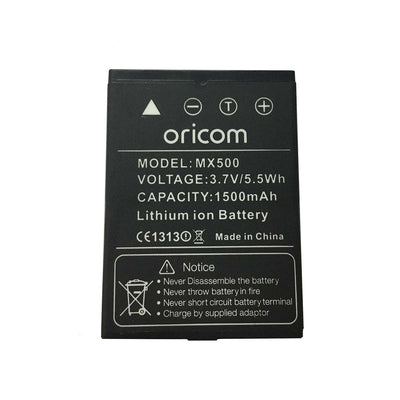
1. Connect the adaptor to AC power. 2. Rotate the connector cap on the top of the transceiver to expose the charging socket. 3. Plug the AC Adaptor plug into the socket on the top of the transceiver. LCD will indicate charging in progress. 4. If battery charging is full, LCD appears “FL”, you should remove the adaptor. NOTE: If you have not inserted the battery pack, the LCD will show "Er". 5. When charging is complete, remove the plug from the radio and replace the cover ensuring it is fitted correctly.
How do you insert the battery pack?
Place the battery into the transceiver so it fits flat, and then securely attach the battery cover. Push the cover until the latch returns to the locked position. See images in the User Guide downloadable on the User Guide tab of this site.
How do I turn the radio on?
Hold the power button for 1 second to turn the radio on or off.
How do I adjust the volume level?
The volume level can be adjusted using the VOL/SQL button and the up and down arrows. Push VOL/SQL once to enter the volume adjustment mode. Then press the up and down button to adjust the volume. • The volume icon will start blinking • The transceiver has 31 volume levels and OFF. • When no key operation is performed for 5 seconds, then transceiver returns to normal mode. Push VOL/SQL twice to exit the volume adjustment mode.
The transceiver will not turn on?
Recharge the battery pack as the battery could be exhausted. Also check if the battery has been inserted correctly.
Why am I not getting any sound from the speaker?
Set the squelch level to the threshold level or adjust the audio using the instructions above, to a suitable level.
Why can I not change from the displayed channel?
The Lock function is activated. Hold down the “KEY” (Hi/Lo) button for 1 second to turn off the function.
