


DTX4000VP050 Dual Receive UHF CB Value Pack

100% Aussie Owned

Free Delivery Over $99

Trusted Local Support
Product Details
DTX4000 Key Features:
- Dual receive
- IP54 dust and splash resistant
- 12/24 volt operation
- 3 memory groups of 16 channels per group (PC programmable)
- Removable front panel
- Radio can be mounted with the speaker facing upwards or downwards
- 96 multi-colour backlit display
- Back light brightness (5 pre-set levels plus auto)
- Fast scanning 80 channels within 3 seconds
- Rotary volume/channel and squelch control
- Duplex
- 38 CTCSS & 104 DCS codes
- Heavy duty diecast metal chassis
- Slide-in mounting bracket
- Auto power off (off/1h/2h/4h)
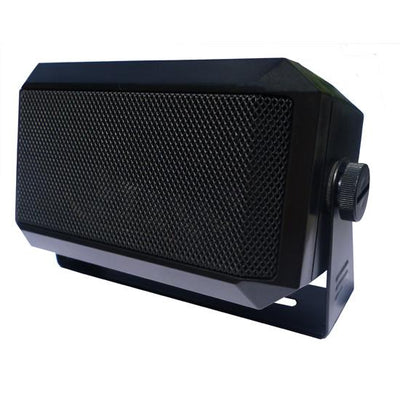
- 3.5mm external jack (for optional external speaker or PA adaptor)
ANU050 Key Features:
- Antenna Length: 0.35m
- Coaxial cable length: 4.6m
- Convenient compact size for versatile mounting
- Highly flexible whip
User guides
Accessories/Spare parts

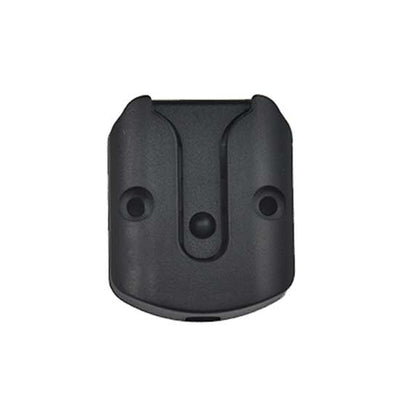
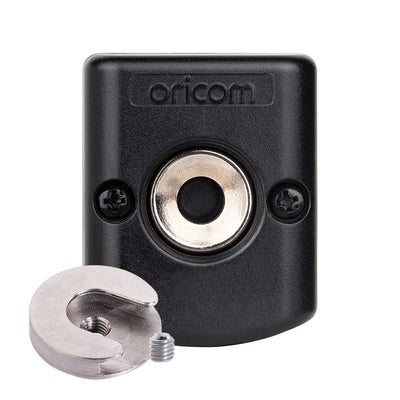

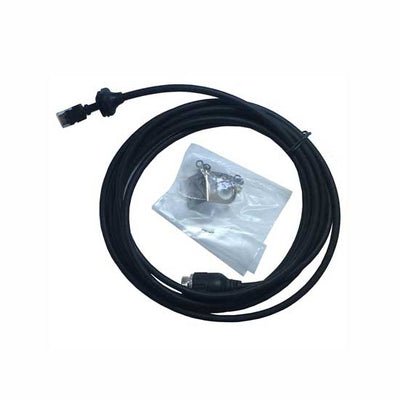
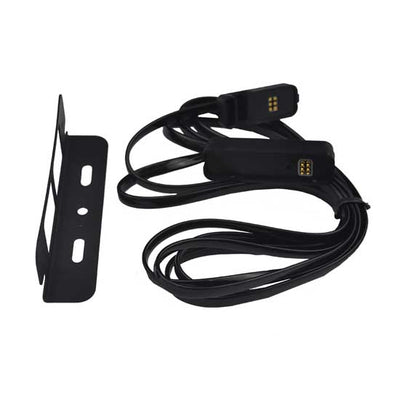
Product registration
Additional Information
- Frequently Asked Questions
- Videos Guides
Where does the supplied bracket allow for install?
The universal mounting bracket supplied with your transceiver allows overhead/dash mounting. Mount the transceiver via the bracket, securely with the supplied screws, in the desired location, ensuring the surface is sturdy and can support the weight of the radio.
How do you set the volume on the unit?
Turn the channel selector clockwise to adjust the sound level for comfortable reception. On the microphone push the up or down buttons to increase or decrease the volume. If held down the volume will increase or decrease quickly.
How to select a channel?
Press channel selector once. The "CH" appear on the LCD. Select the channel by rotating the channel selector up or channel down. On the microphone push the mode button and select the channel by pushing the up or down buttons.
What is the PTT?
PTT refers to Push To Talk. Pressing the PTT button activates the transmitter. The RF (radio frequency) level will appear on the LCD as you are transmitting. To receive, release the PTT button and then TX will disappear on the display. When transmitting, hold the Mic two inches from your mouth and speak clearly in a normal voice across the front of the Mic area.
How do you use and operate the Public Address Feature?
To use and external PA speaker connect the optional PA cable to the External speaker jack on the rear of the radio, connect the PA speaker to the yellow coloured socket and the external CB speaker to the red coloured socket the output will be directed to the PA speaker when PA function is selected. How to operate the Public Address Press and hold the PTT while turning the power on. Press the PTT and speak into the microphone the audio will be output through the PA speaker. Adjust the volume using the volume control. To Exit PA mode turn radio off and back on.
Are you able to dim the backlight?
You can reduce the brightness of the backlight by selecting levels 1 to 5, off or Auto, which will adjust the level of brightness depending on ambient light.
How do you restore the radios settings back to Factory settings?
Press and hold SCAN/RM button while turning the power on. The display "AL-reset" or "User-reset" will indicate reset type. The reset type can select in menu mode. The user reset will not delete any stored memory channels.
Is this radio suitable for use outside of Australia?
All Oricom products are approved for use in Australia and NZ only, and although they will still work in other countries, they may not meet that countries requirement’s for voltage, operating frequencies or power RF levels and if used may interfere with other services which could attract penalties from the local administration authorities.